Interactive Property Map
What is Interactive Property Map Application?
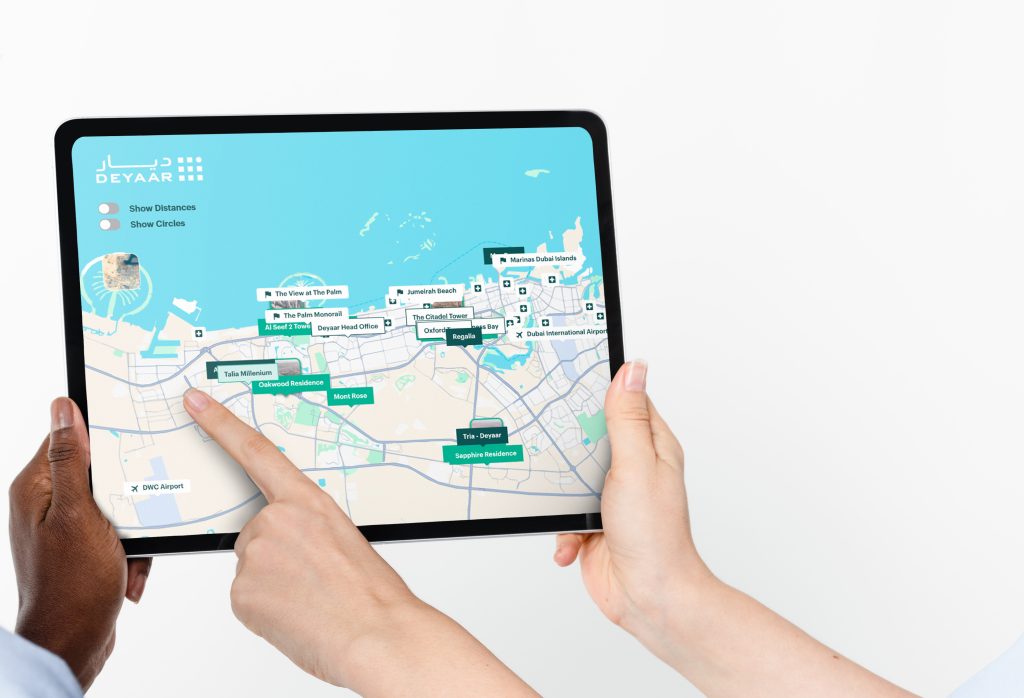
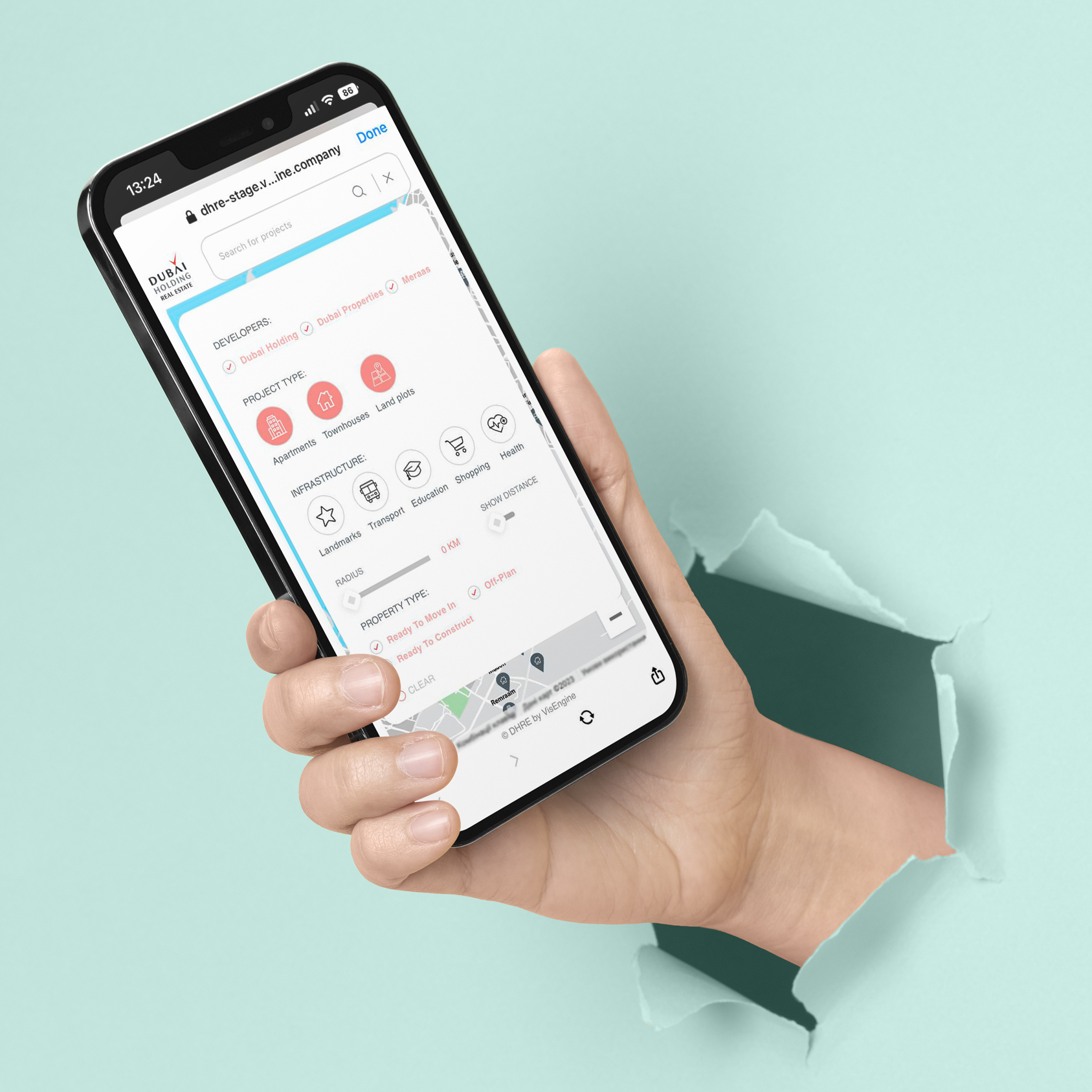
Interactive Property Map is a tool that helps salespeople in the real estate industry to showcase properties to their customers in person or remotely. This multi-platform application offers extensive functionality, including search by name, location, cost, area size, availability of residential property and other important features.
What are the Features of Interactive Property Map Application?
The main features of the Interactive Property Map enable users to:
- Customize Google Map with all your development projects
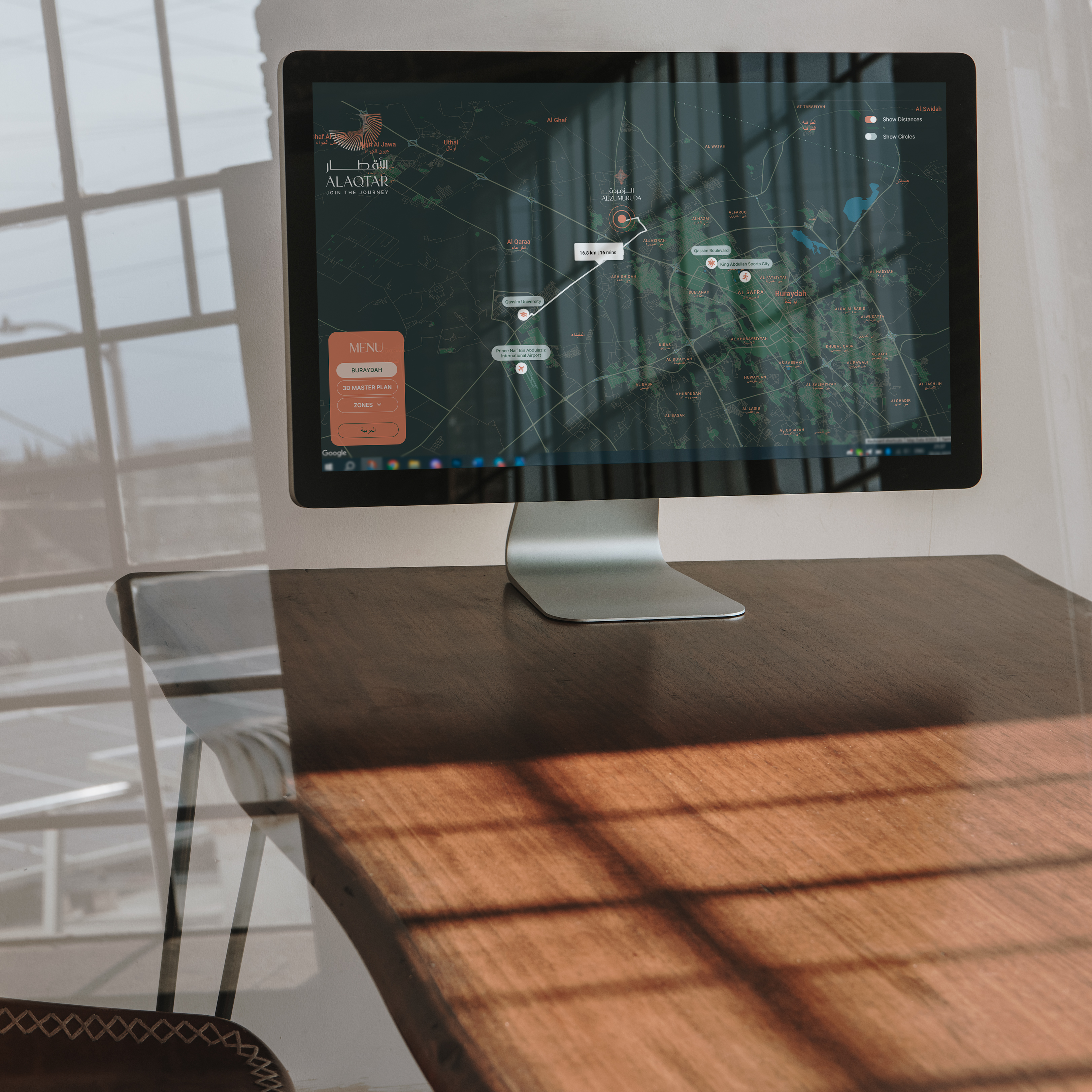
- Show routes and distances
- Link project landing page to map
- Show all infrastructure elements
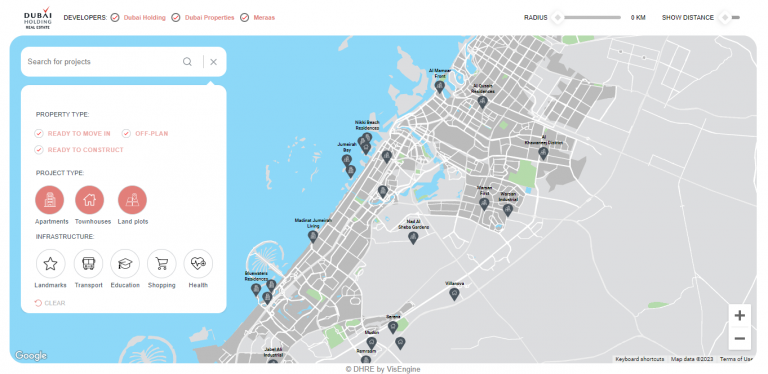
- Filter and highlight all unit types by budget, size, available amenities
- See the general information of each project
- Zoom into selected areas of the property map
- See unit availability information and booking options
- Share unit information with customers via email or social media
- Fill in an enquiry form for potential clients
Our Interactive Property Map Applications
Interactive Property Map is a tool that helps salespeople in the real estate industry to showcase properties to their customers in person or remotely. This multi-platform application offers extensive functionality, including search by name, location, cost, area size, availability of residential property and other important features.
Interactive Property Map
All in one – this is how you can describe Interactive Property Map. The most comprehensive information on all projects and the surrounding infrastructure is collected within one application. Save the client’s time on search and research: thanks to the configuration of filters according to the parameters that suit them, the consumers will receive the most helpful information, and as a result, you will have a loyal interested buyer.
Web Interactive 3D Apartment Masteplan
It is the perfect combination of a demonstration of the building’s exterior and the interior of its apartments. Everything is in full view: no corner will go unnoticed because you are one click away from the desired angle. Rotate, filter, and select exactly what you’re interested in. It provides maximum informativity and interactivity for the customer’s convenience.
Web Interactive 3D Villas
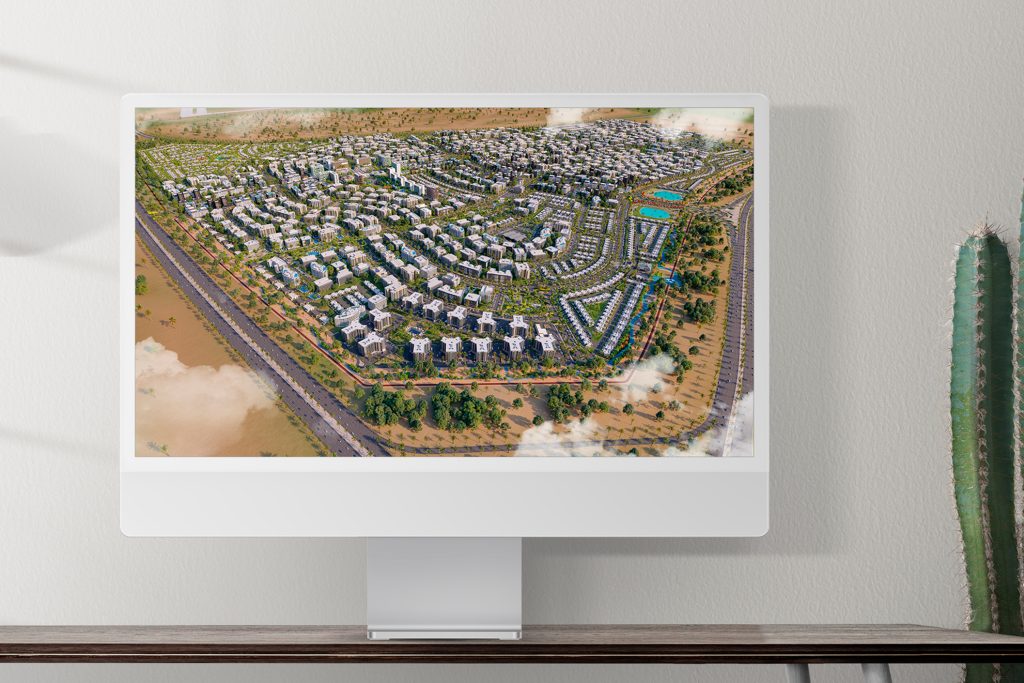
Tell clients about your projects in as much detail as possible thanks to Web Interactive 3D Villas Masterplan. Allow viewers to evaluate all the advantages of real estate from all sides. By rotating the plan and reading information about each object of interest, clients can independently assess the benefits of the complex. In addition, clients are unlimited in the choice of angles because they can view objects not only from a top view but also view villa interiors.
Offline/Streaming Interactive 3D Masterplan
Unreal Engine
If you want to surprise your client with the opportunity to explore your project 100%, there is no better way than Streaming Interactive 3D Masterplan. Show them everything and even more. Move as you like and wherever you want, look at the smallest details, apply filters and choose the property you like. You will be delighted with all the benefits of the service!
What Platforms does the Interactive Property Map Application Support?
Supported on Web on all popular browsers
Does it work on mobile and tablets?
Yes, Interactive Siteplan application is tailored to work on mobile and tablet devices without any limitations. Its user interface and functionality are adjusted to provide smooth and user friendly experience.
Does it integrate with CRM or booking systems?
Yes, Interactive Siteplan application can be integrated with existing CRM and booking systems, such as Salesforce or similar. We can also assist to build a bespoke CRM from scratch, should this be a requirement.
Can it handle multiple projects and infrastructure layers on one map?
Yes, the Interactive Siteplan application can be a single project, or it can contain a master map view with multiple projects of the same or a number of different developers. There is no limit on the number of projects that can be added.
Developers Worldwide Trust VisEngine
What project inputs are needed to build an interactive masterplan?
Standard package would include architectural drawings, elevations and floor plans, information on landscape and surrounding areas, guidelines or ready-made package of interior design information. To allow for the availability of peroperties features, the Interactive Siteplan application can be linked to client’s CRM system (for which appropriate access will be required) or if a CRM systems needs to be built from scratch, we require information regarding inventory, technical specifications of properties and information on amenities.
Frequently Asked Questions
No, Unreal Engine software is not flexible when it comes to Web integration. If you choose your Interactive Siteplan application to be Unreal Engine based, it will work as a standalone application and it can be used on PCs, large touch screens and kiosks only. Web streaming of Unreal Engine based application is possible, but extra hosting and streaming requirements must be considered.
General minimum hardware recommendations for running standalone PC Applications developed with Unreal Engine:
Processor: Intel Core i7-7700
Max memory: 16GB
Graphics adaptor, memory: NVIDIA GeForce GTX 1060, 6 GB GDDR5 (for PC)
Graphics adaptor, memory: NVIDIA GeForce GTX 1070, 8 GB GDDR5 (for Laptop)
Web based Interactive Siteplan application allows for certain free movement around the masterplan, exterior and interior areas of the showcased project. Although you cannot explore all areas without limitation, Web version provides extensive interactivity and engagement opportunities, such as detailed project and properties overview, VR tours and live availability functionality.
A typical package includes high quality overview of the entire siteplan with surrounding areas on multiple levels (either in static or 360 format), exterior VR tour, interior VR tours, floor plans, individual window views, fly-through animation and project brochure.

● Interactive Property Map
All in one – this is how you can describe Interactive Property Map. The most comprehensive information on all projects and the surrounding infrastructure is collected within one application. Save the client’s time on search and research: thanks to the configuration of filters according to the parameters that suit them, the consumers will receive the most helpful information, and as a result, you will have a loyal interested buyer.
Interactive Property Map LIVE DEMO
Try out the Interactive Property Map: Filter projects, Rotate the map, See distances between places, Explore the menu.
All Projects on Map
Show All Infrastructure Elements
Filter Projects on Map
Show Routes and Distances
All Features
Let's Get Started
Please, send us your project inputs and we will send you a quote.

When the scale of a project goes beyond a single house or villa, there is no more convenient solution to showcase your property than Interactive Property Map. Thanks to the fact that all your objects are indicated on an interactive map, the consumer has complete freedom to choose the future housing, taking into account the conveniences and infrastructure of the area.
Your client may have a family and children, so the school’s proximity to the house is a significant factor. Or they love shopping and entertainment, so a shopping center nearby will be more than just a pleasant bonus when choosing a housing. With the help of convenient filters, consumers can determine essential categories of infrastructure based on their preferences and depending on their location. Thanks to the route function, you can easily calculate the direct distance to objects.