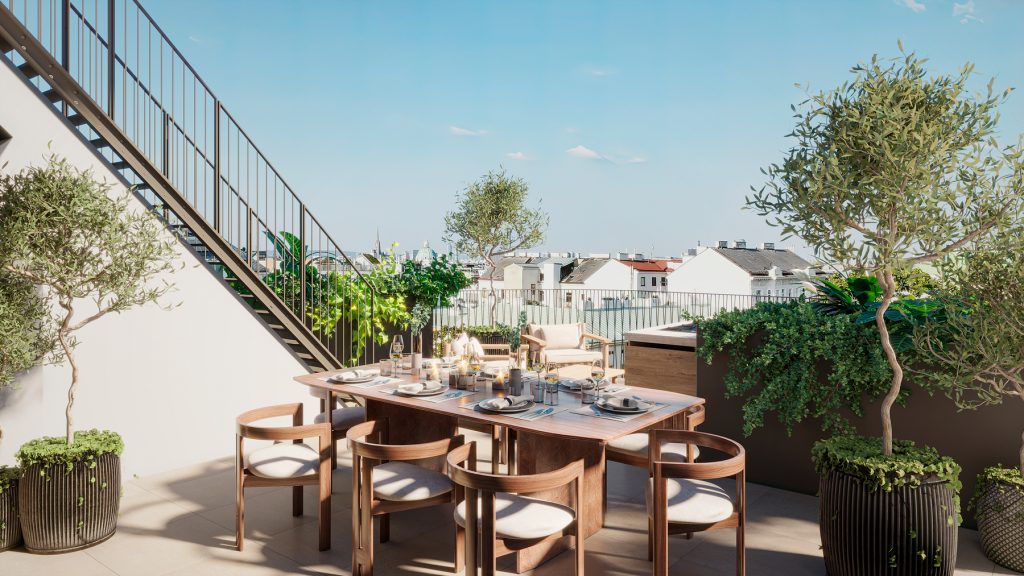
Materials in 3D visualization are not just “colors” or “patterns.” They are complex layers of information that determine:
- how a surface interacts with light;
- whether it reflects or scatters its surroundings;
- how it feels to the touch — smooth, rough, shiny, or matte.
Modern rendering systems allow you to reproduce the physically correct properties of materials, making them as close to reality as possible. As a result, the viewer “believes” in the surface, even if they only see it on the screen.
Textures are the basis of realism. These are images that are “superimposed” on a 3D model to create the impression of materiality. They can imitate anything: wood, concrete, fabric, metal, or even water.
But it’s not just about the image. Additional maps are used for a realistic effect:
- Diffuse map — the base color and pattern of the surface.
- Bump/Normal map — creates the illusion of relief without adding polygons.
- Specular/Roughness map — controls how shiny or matte the surface is.
- Displacement map — actually changes the geometry of the model, adding real volume.
Thanks to the combination of these cards, even a simple wall can look convincing: with microcracks, scratches, or a slight glare of paint.