

Architecture is one of the most creative yet challenging fields, as it shapes the appearance and functionality of the spaces where we live, work, and gather. Crafting realistic renders requires a comprehensive understanding of architectural design, as well as technical and creative expertise. In today’s digital era, modern techniques in architectural visualization have transformed how projects are conceptualized, developed, and presented.
Gone are the days when architects relied solely on blueprints and hand-drawn sketches. Today, advanced technology allows professionals to create lifelike images using ultra-detailed 3D renders. These visualizations bring design ideas to life, enabling clients to fully experience the concept through an immersive and highly visual experience. Whether it’s the subtle interplay of light sources or the incorporation of realistic textures, each detail contributes to the project’s success.
This guide will walk you through the essential steps, tools, and insights needed to create high-quality images that leave a lasting impression and elevate your architecture project to new heights.
Architectural visualization is a cutting-edge method for designing and presenting projects. Unlike traditional architectural techniques, which often relied on sketches and physical models, architecture visualization employs advanced technology to craft hyper-detailed 3D images and realistic renders. This modern approach enhances every stage of the design process, from conceptualization to client presentation.
The primary goal of architectural visualization is to create a detailed, interactive representation of the project before construction begins. Using powerful software, architects can design precise 3D models, simulate the complexity of lighting, and integrate special effects to elevate their visual storytelling. This not only helps architects streamline the design process but also allows clients to explore the project from every angle, fostering a deeper understanding of the concept.
For example, a visualization in architecture work can depict how lighting effects change throughout the day, highlighting different aspects of the design. By combining technical precision with creative artistry, architects can produce a visual appeal that resonates with clients, even those with no architectural background.
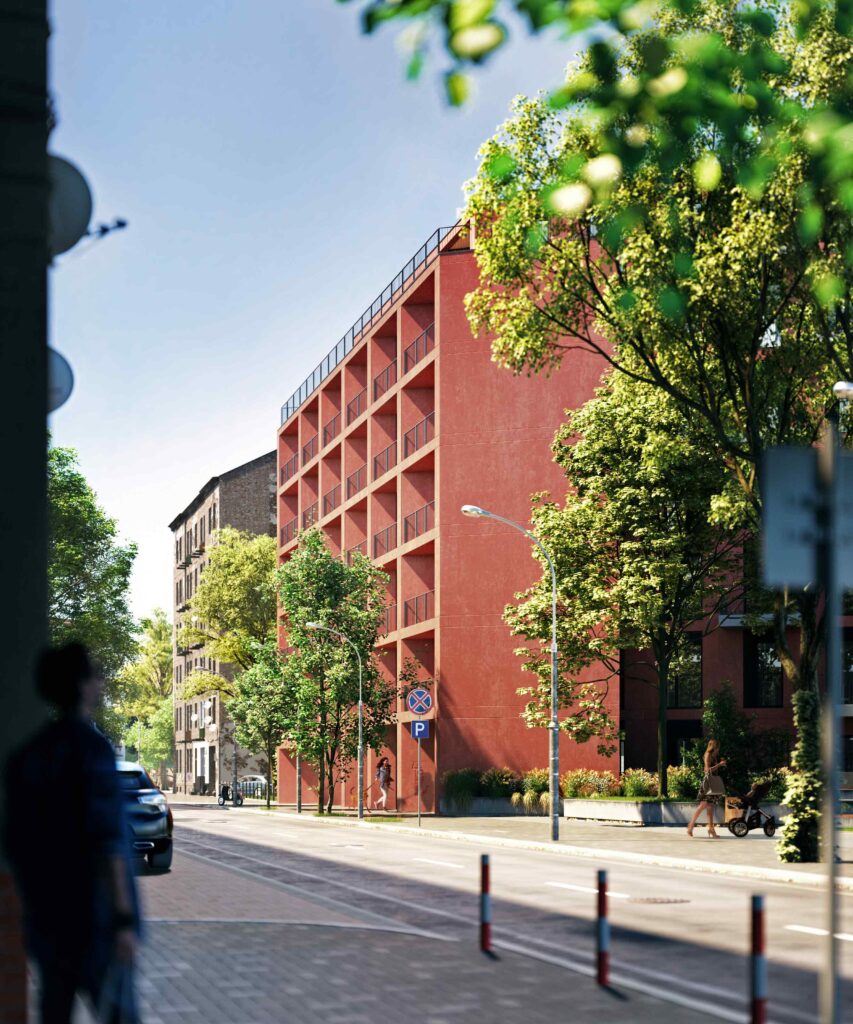
The process of creating realistic rendering involves a combination of technical expertise, artistic creativity, and meticulous attention to detail. Below, we outline the essential steps that lead to stunning, professional visualizations.
The first step in any successful project is understanding your client. Each client comes with unique needs, preferences, and expectations. While they may have clear design ideas, they often lack knowledge about the technical intricacies of architectural design. To bridge this gap, architects should use high-quality images and visual prototyping to present their ideas in a way that is both accessible and compelling.
For instance, a commercial client might prioritize functionality and comprehensive features, while a residential client might focus on aesthetics and comfort. By tailoring the presentation to their needs, you can create a stronger connection and increase the chances of project approval.
Open and detailed communication is key to aligning the project with the client’s expectations. Discuss the project’s vision extensively, paying attention to all elements, from the overall design to specific architectural details. This includes the use of lighting effects, textures, and surrounding elements that will contribute to the project’s overall visual experience.
Don’t hesitate to suggest improvements. A collaborative approach often results in better outcomes, as both client and architect work together to refine the project’s scope and goals.
Careful planning is essential to avoid unnecessary revisions and delays. Analyze the client’s requirements thoroughly to determine the project’s timeline, budget, and design specifications. During this stage, it’s important to identify key features such as light sources, special effects, and materials that will enhance the visual appeal of your visualization.
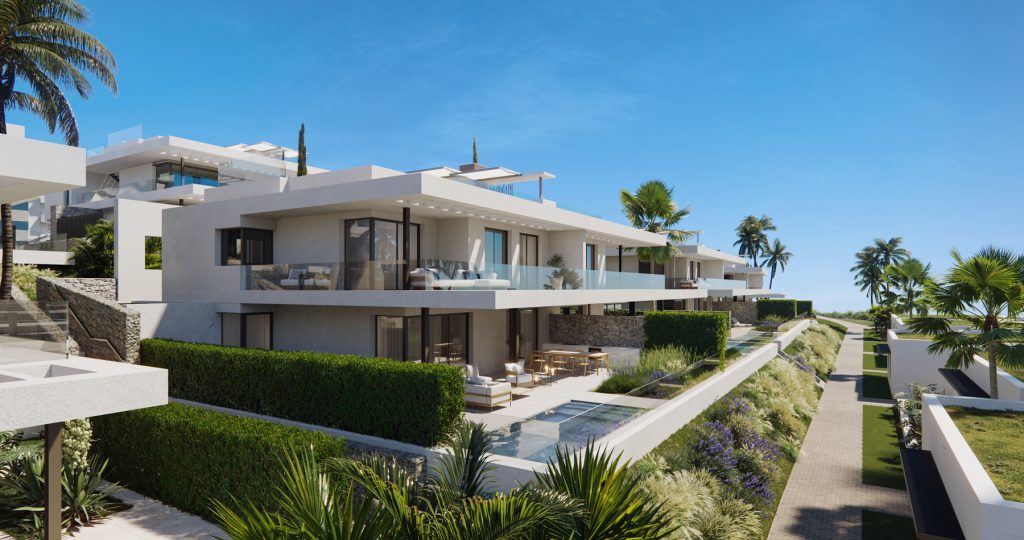
Achieving realistic rendering requires a series of well-defined steps, each contributing to the final product’s quality and impact.
Begin by sketching the initial concept. This step helps visualize the overall layout and composition, ensuring the project stays aligned with the client’s vision. Sketching also allows you to plan the integration of critical architectural details and focal points, such as key features of the building or surrounding landscape.
Depth adds a sense of realism and immersion to your 3D image. To achieve this, divide the space into multiple planes, including the foreground, background, and central object. Proper depth creation also involves the strategic placement of light sources to emphasize key elements and enhance the scene’s visual appeal.
Using specialized software such as SketchUp or Autodesk 3ds Max, convert your 2D sketches into detailed 3D renders. Ensure the model incorporates all necessary architectural details and adheres to the project’s design goals. For added realism, consider using animation software to create motion or special effects that bring the visualization to life.
The quality of the materials and textures used in your model significantly impacts the final result. Opt for detailed components with intricate geometry and realistic finishes. This attention to detail helps create lifelike images that truly capture the project’s essence.
Lighting is a crucial aspect of any architectural visualization. Mastering the complexity of lighting involves simulating natural and artificial light to create a balanced, realistic effect. Experiment with lighting effects to highlight specific elements of the design and add depth to the scene.
Post-production is the final step in creating a polished visualization. Use tools like Photoshop to refine colors, add environmental elements, and integrate details such as people, vehicles, and vegetation. These finishing touches provide an immersive experience that enhances the project’s overall presentation.
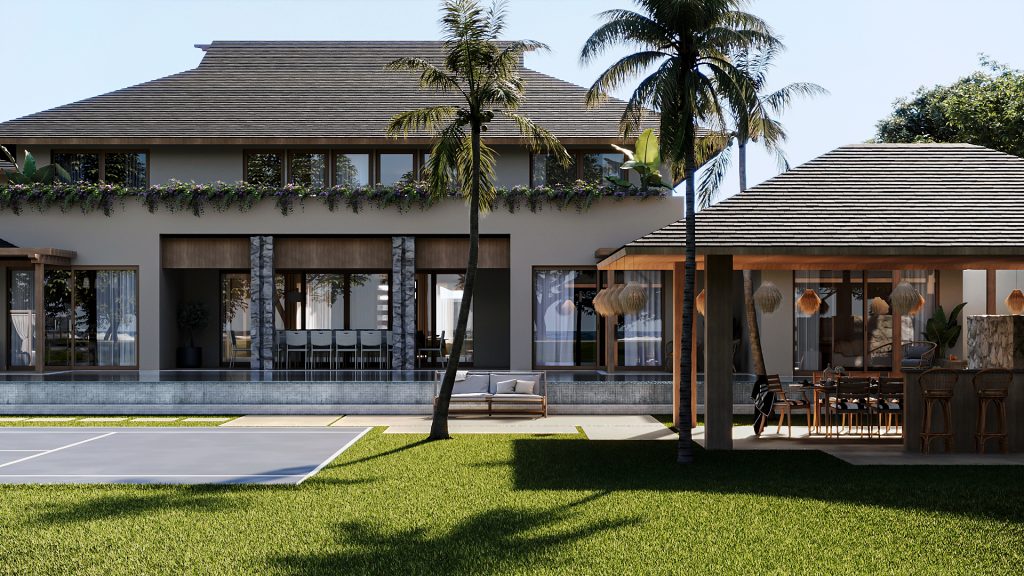
Creating realistic architectural visualizations is both an art and a science. By combining modern techniques, advanced technology, and a deep understanding of architectural design, architects can produce stunning 3D renders that captivate clients and elevate their projects. Key factors such as accurate lighting, high-quality components, and detailed post-production are essential to achieving lifelike images.
Whether you’re a seasoned professional or just starting out, mastering these techniques will enhance your ability to communicate ideas effectively and create visualizations that inspire. To learn more about 3D architectural rendering and its potential to transform your projects, contact the VisEngine team.
Drop us a line or give us a ring. We love to hear from you!
Necessary cookies are absolutely essential for the website to function properly. These cookies ensure basic functionalities and security features of the website, anonymously.
Functional cookies help to perform certain functionalities like sharing the content of the website on social media platforms, collect feedbacks, and other third-party features.
Performance cookies are used to understand and analyze the key performance indexes of the website which helps in delivering a better user experience for the visitors.
Analytical cookies are used to understand how visitors interact with the website. These cookies help provide information on metrics the number of visitors, bounce rate, traffic source, etc.
Advertisement cookies are used to provide visitors with relevant ads and marketing campaigns. These cookies track visitors across websites and collect information to provide customized ads.
Other uncategorized cookies are those that are being analyzed and have not been classified into a category as yet.